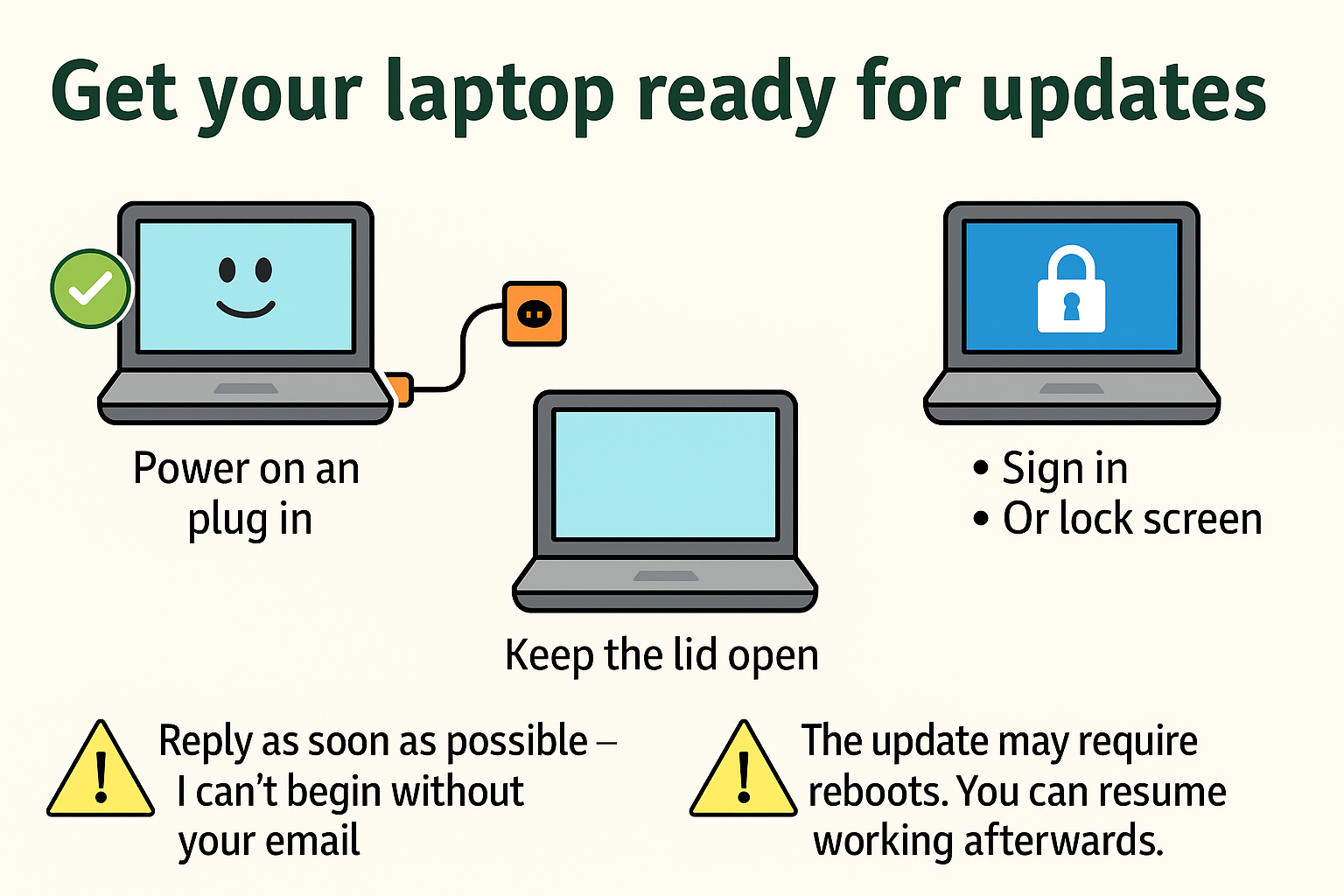
To help your computer install system updates that I will approve once your device is ready, please follow the steps below.
IMPORTANT: Please reply to the message you received from me once everything is ready. This step is essential.
Make sure the following is in place:
Your laptop should be powered on and plugged into external power.
The lid must be open and stay open.
Please save and close any documents you are editing.
How to lock your screen:
On Windows: Press Windows key + L
On Mac: Press Control + Command + Q
On Linux: Press Control + Alt + L
Then reply to the message you received from me.
Once I know your laptop is ready, I will approve the updates from my side. Please note that some updates may cause your computer to reboot, possibly more than once. After the process is complete you may resume working as usual.